
Home / Equipment category / Data I/O PSV5000
Overview
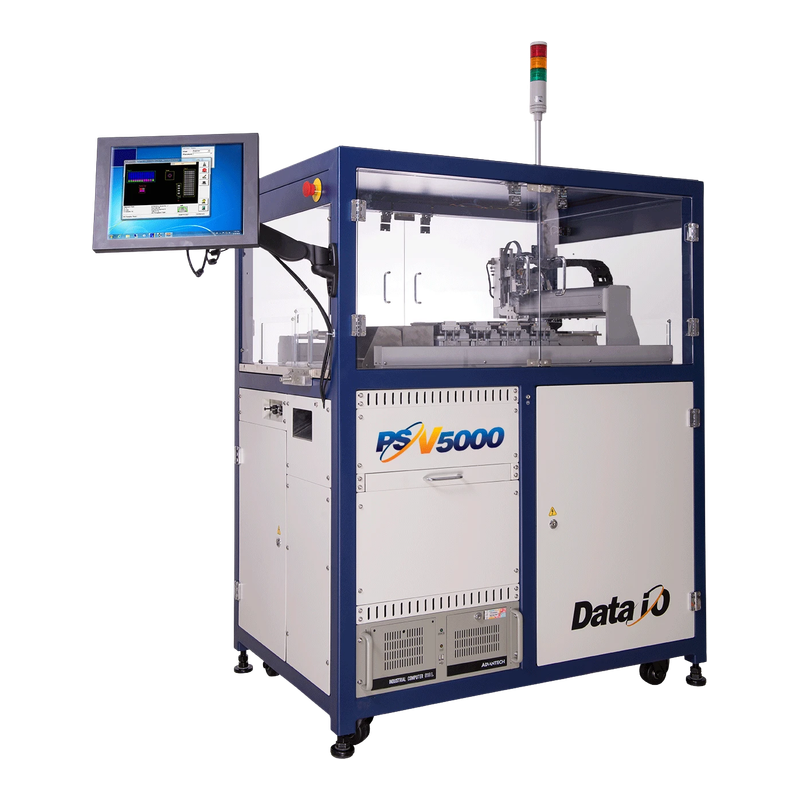
Data I/O PSV5000 Automated Device Programming System
The PSV5000 automates device programming with tape, tray or tube handling options. The device and package combination determines the installed programmer and socket needs.
Manufacturer-published model data
Data I/O PSV5000 Technical Specifications
| Capacity | Data I/O lists up to 40 LumenX sockets and up to 1,300 devices per hour in its comparison. |
|---|---|
| Media | Tape, tray and tube are listed for PSV5000. |
| Comparison | The manufacturer's PSV7000 column lists different socket and handling capacity. |
Manufacturer model information
Model data describes the published configuration. Confirm fitted options, utilities and condition for the unit offered.
Key Features
Configuration Must Be Verified
Data I/O lists several media and programming configurations for PSV5000. Request the fitted programmer platform, sockets, adapters, load and unload hardware and the supported device algorithm before interpreting capacity.
Buyer decision guide
When Data I/O PSV5000 Makes Sense — and When It May Not
List exact device, package, image size and verification mode. Quote the installed programmer, sockets, adapters and feed and output media.
Data I/O PSV5000 Acceptance Plan
Measure a full batch with readback, reject handling and label traceability. Separate programming time from loading and handling.
- Confirm the device and image
Identify the exact part and package, approved data revision and verification mode. Use a controlled job to verify the installed programmer and adapter support.
- Run a complete batch
Observe loading, programming, readback and unloading. Record good and rejected devices, test timing and what the output labels contain.
- Challenge changeover and rejects
Use an authorised sample or test job to verify segregation of failures and job recovery. Confirm what happens when the socket or output media change.
Typical Applications
Typical Applications for Data I/O PSV5000
Review devices that move between input tape or tray and a defined output format. Include the package with the strictest orientation or handling requirements.
For several jobs on one machine, compare socket exchange, programme version control and traceability. Check what happens to a device that fails verification or needs quarantine.
Before quotation
Three Data I/O PSV5000 Buyer Questions
1
What must the process handle?
Send the drawing, sample or material that defines the hardest job. Review the capacity with that sample in view.
2
Which configuration is on offer?
Require the data plate and a configuration list with included items and separately priced options. Mark the setup used in the trial.
3
How will acceptance be measured?
Agree the result to keep from the trial and how it will be checked after transport. Include unresolved process limits on the order.
Running video confirmation
Data I/O PSV5000 Running Video Review
Show the offered PSV5000 and fitted media path during an authorised test job. Show readback or disposition and output handling without exposing buyer data.
Request a dated recording tied to the offered machine's serial and tested sample. The preview opens the evidence request.
Used-machine inspection
Inspection and Export Preparation for an Actual Data I/O PSV5000
- Unit identityMatch the nameplate, electrical label and fitted options to the quotation. Keep any condition notes and missing accessories with that serial.
- Inspection and maintenanceInspect sockets and pickup tooling. Use the vendor procedure and a known-good device to recheck after service.
- Acceptance recordKeep the socket and adapter map, programmer and software version, media options and supported device evidence. Request a cycle record tied to the actual part and data size.
- Export handoffAgree the transport state and the commissioning check. Request dated packing records for the actual unit before dispatch.
Spare Parts
Data I/O PSV5000 Spare Parts Scope
Quote sockets, adapters, pickup tips and media service parts against package and programmer IDs. Ask which parts are consumable and what replacement verification is required.
Quotation checklist
Provide your application, sample details, destination utilities and required delivery scope. Ask the supplier to itemise configuration, service parts, installation and the evidence included with the offer.
Compare PSV5000 and PSV7000 capacity
Data I/O publishes different socket and throughput figures for these platforms. Compare the configuration offered for your device and media, including programming time, rejects and the handling steps in each measured batch.
Data I/O model comparison →FAQ
Common questions for overseas buyers evaluating a Data I/O PSV5000.
01Configuration
Is 1,300 devices per hour a guaranteed rate?
Use it as the manufacturer's published maximum. Measure the buyer's device, data and verification sequence on the offered configuration.
02Selection
Can any programmer or socket combination handle the device?
Check the approved device algorithm, package adapter, programmer revision and verification method. Request an observed result with the fitted hardware.
03Acceptance
How should rejected devices be accounted for?
Record their reason, destination and the traceability record. Compare good output per hour after verification and handling, rather than total devices moved.
Export packing proof
Export Packing and Container Loading
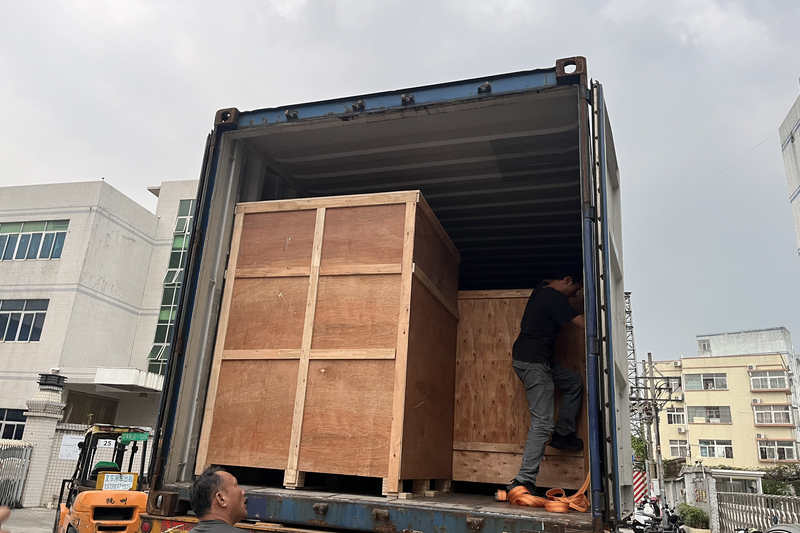
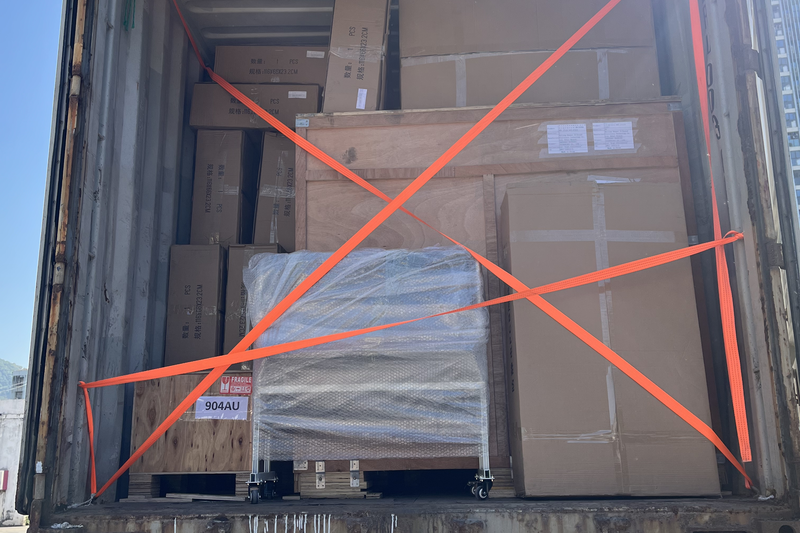
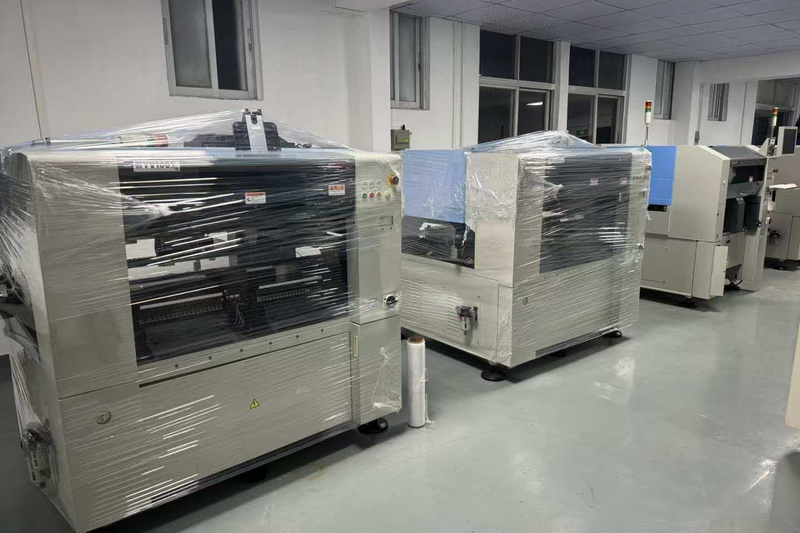
Identify socket fixtures, heads and media accessories on the packing list. Protect pickup and feed assemblies and preserve an approved test job for receiving verification.
These photos show general export preparation. Request dated protection and loading photos for the specific unit before dispatch.
Send Your Data I/O PSV5000 Production Requirement
Share the process, representative job and required evidence. Ask for the fitted configuration and a quotation that distinguishes the machine, tooling, services and delivery.