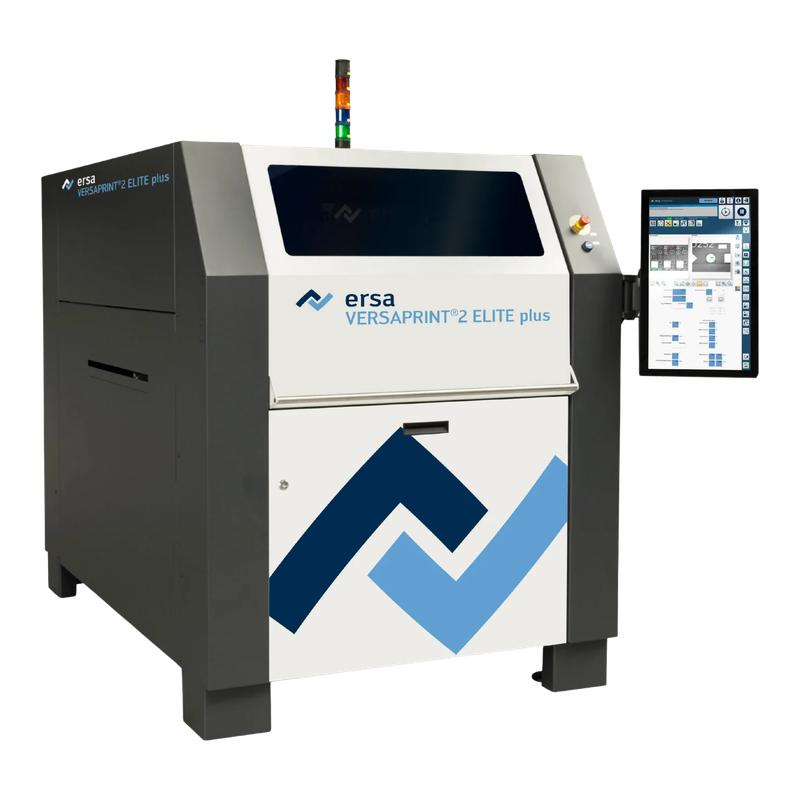
Area-camera platform; reference illustration
VERSAPRINT 2 ELITE plus
- Inspection
- Optional area-camera inspection; confirm fitted functions
- Boundary
- Not a photograph of PRO² or ULTRA³
SMT equipment sourcing · inspection · packing · global delivery

Ersa VERSAPRINT 2 combines stencil printing with selectable inspection architectures. This family guide compares ELITE plus, PRO² and ULTRA³ on one page. Its representative complete-machine image is ELITE plus; it does not establish the camera or options of another version. The distinct TIM thermal-interface application is outside this comparison. Select the inspection architecture around paste defects, aperture geometry, acceptance evidence and the full line cycle. Keep the PCB, printed area and stencil-frame limits separate. An ELITE plus photograph does not establish integrated 3D SPI or an available retrofit on an offered serial.
Support and align the substrate to the stencil, apply the controlled squeegee stroke, separate the print and inspect the result with the installed area, 2D LIST or 3D LIST camera. ULTRA³ uses laser triangulation to evaluate paste height and volume; inspection limits, cleaning and feedback need validation on the actual assembly. Select by the actual board envelope, optical configuration and installation space—not the suffix alone.
Area-camera platform; reference illustration
Integrated 2D inspection version
Integrated 3D inspection version
Manufacturer evidence checked 2026-10-07; numbers remain version-specific. Figures describe standard model configurations, not stock or an offered unit. Dimensions are listed in the source order and exclude the tower light where stated. The representative VERSAPRINT 2 Family image is not proof of another version or an offered unit’s condition. Request nameplate, configuration and board-trial evidence before selection.
| 2024 brochure board envelope | 50 × 50 to 550 × 500 mm substrates; up to 680 × 500 mm printing with a suitable workholder |
|---|---|
| Board and support reference | 0.5–6 mm thickness; 0.8–6 mm with retractable clamping; maximum substrate mass 1 kg |
| 2024 print controls | 5–200 mm/s stroke; 0–260 N force; 0.1–50 mm/s separation |
| Stencil-frame reference | 450 × 450 × 25 to 737 × 737 × 40 mm; tool-free adjustment |
| Catalogue performance boundary | Repeatability ±12.5 µm; print accuracy ±25 µm at 6 Sigma (CPR > 2), not guaranteed deposit capability |
| Inspection architecture | ELITE plus: area camera; PRO²: 2D LIST; ULTRA³: 3D LIST. Installed options require evidence |
| 2024 cabinet reference | 1,225 × 1,855 × 1,617 mm; maximum 860 kg |
| Brochure utility reference | 3 × 400 V, N, PE, 50/60 Hz, 16 A; air 6–10 bar, 5 l/min; vacuum cleaning 5.5 l/s |
| Revision boundary | Current ELITE plus page lists 230 N force and a different board/clearance presentation; resolve against the offered serial manual |
The offer must identify VERSAPRINT 2 version and serial, area/LIST camera, inspection software, print head, board support, clamping, cleaner and licensed interfaces; Repeated deposits, relevant shorts and offset, height/volume where fitted, stencil cleaning, complete board transfer, changeover and authorized recipe recovery.
Ersa VERSAPRINT 2 Family selection should begin with production requirements and evidence, not with a model name alone.
For a VERSAPRINT 2 enquiry, supply the PCB outline, underside components, paste, stencil and difficult aperture locations together. ELITE plus uses an area camera and offers optional inspection; PRO² adds the 2D LIST architecture, while ULTRA³ measures in 3D. Coverage and offset images do not prove deposit height or volume. Ask for retained results from the fitted system on representative deposits, including known failures and repeat runs. An existing downstream SPI can change the appropriate printer choice, but it does not remove the need to qualify alignment, support and cleaning.
The June 2024 family brochure specifies a 550 × 500 mm maximum substrate and describes 680 × 500 mm printing with a workholder. Its current ELITE plus product page presents 680 × 500 mm as a substrate maximum and 550 × 500 mm as the inspection area. Those statements must not be silently combined into one universal capability. Identify the revision, holder, transport and usable inspection coverage for the offered serial. Demonstrate the intended populated board through support, clamping, printing and transfer before accepting a larger-board configuration.
The 2024 technical table lists a 260 N upper print force and 34 mm component clearance; the current ELITE plus page describes 230 N and 35 mm. This guide preserves the document boundary instead of selecting whichever number looks better. Use the serial manual and safe demonstrated travel to establish the actual limits. The manufacturer describes retrofit options, not unconditional retrofit availability for every old controller. Require the camera, dispenser, support, climate control, feedback interface and transferable licenses to be identified individually, with authorized recipe and software recovery evidence.
Measure the full board sequence with the required print and inspection settings, not only the advertised scan rate or shortest base cycle. Retain stencil condition, material, cleaning interval and measured deposits with the test record. Ersa China explicitly lists ELITE plus, and the independent HDAGV/Thinkfon import catalogue names the VERSAPRINT 2 family. These are two enquiry channels, not verified stock; related importer domains are not counted as separate suppliers. Neither was contacted. Request a dated nameplate, unit photographs, fitted-camera evidence, maintenance records and agreed acceptance trial before treating a listing as an available machine.
Ersa VERSAPRINT 2 Family should be evaluated against the buyer’s support and align the substrate to the stencil, apply the controlled squeegee stroke, separate the print and inspect the result with the installed area, 2d list or 3d list camera. ultra³ uses laser triangulation to evaluate paste height and volume; inspection limits, cleaning and feedback need validation on the actual assembly. The final application fit depends on the evidence for the specific unit.
These questions keep the quotation scope connected to the buyer’s real SMT process.
Ersa VERSAPRINT 2 Family buyers should confirm this with actual-machine evidence before quotation.
Ersa VERSAPRINT 2 Family buyers should confirm this with actual-machine evidence before quotation.
Ersa VERSAPRINT 2 Family buyers should confirm this with actual-machine evidence before quotation.
Before shipment, review the relevant power-on, movement, operating state and visible condition for the specific offered unit.
Request a dated operating sequence of the offered Ersa VERSAPRINT 2 Family. The model-image control requests evidence, not playback of a recorded video.
Request a unit-specific Ersa VERSAPRINT 2 Family list for serial-correct squeegees, cleaning fabric and solvent consumables, support pins and fixtures, transport service items, optical references and authorized software backups. Availability is not claimed on this review page.
Provide target assembly, process requirements, 2024 brochure board envelope, installed configuration and destination, required accessories and desired inspection evidence for the proposed Ersa VERSAPRINT 2 Family.
Common questions for overseas buyers evaluating a Ersa VERSAPRINT 2 Family.
Support and align the substrate to the stencil, apply the controlled squeegee stroke, separate the print and inspect the result with the installed area, 2D LIST or 3D LIST camera. ULTRA³ uses laser triangulation to evaluate paste height and volume; inspection limits, cleaning and feedback need validation on the actual assembly. Select the inspection architecture around paste defects, aperture geometry, acceptance evidence and the full line cycle. Keep the PCB, printed area and stencil-frame limits separate. An ELITE plus photograph does not establish integrated 3D SPI or an available retrofit on an offered serial.
VERSAPRINT 2 version and serial, area/LIST camera, inspection software, print head, board support, clamping, cleaner and licensed interfaces. Request the exact nameplate and option list.
The Ersa VERSAPRINT 2 Family illustration is model-reference imagery, not a dated stock photograph. Serial, location, condition, price and running evidence require separate confirmation.
The V3 scrolling proof gallery is retained. It describes LCSMT export preparation, not the condition of a particular Ersa VERSAPRINT 2 Family unit.
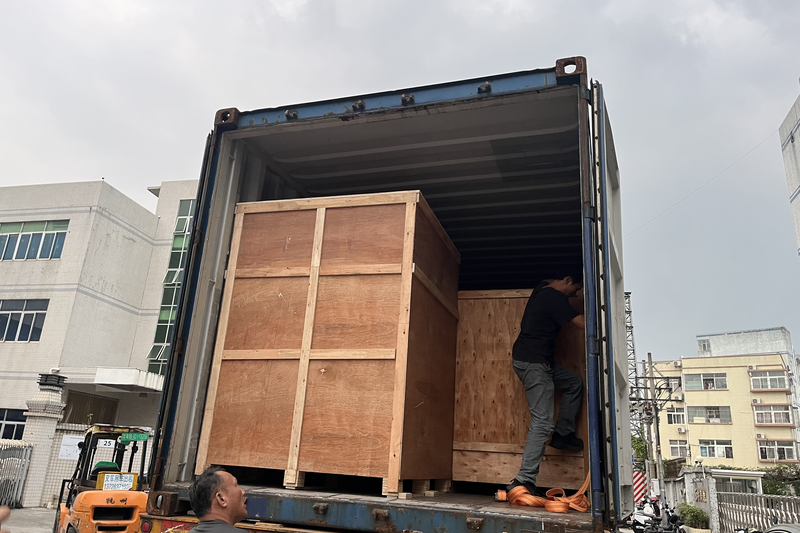
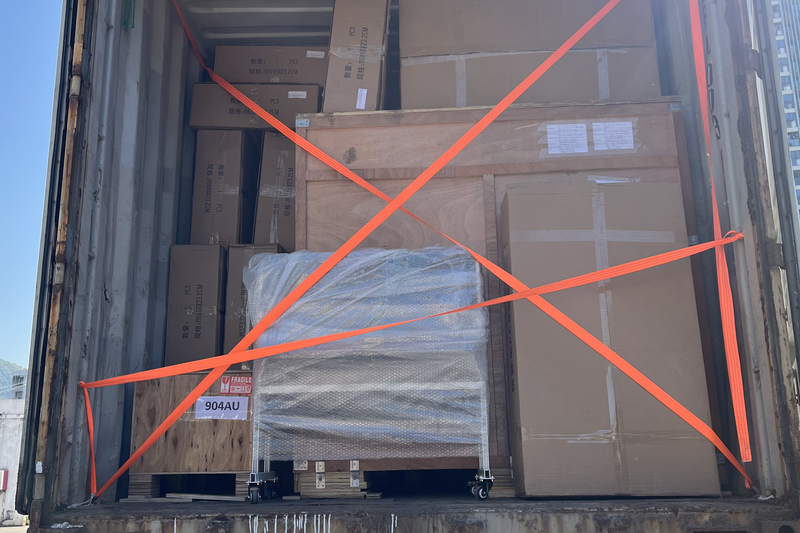
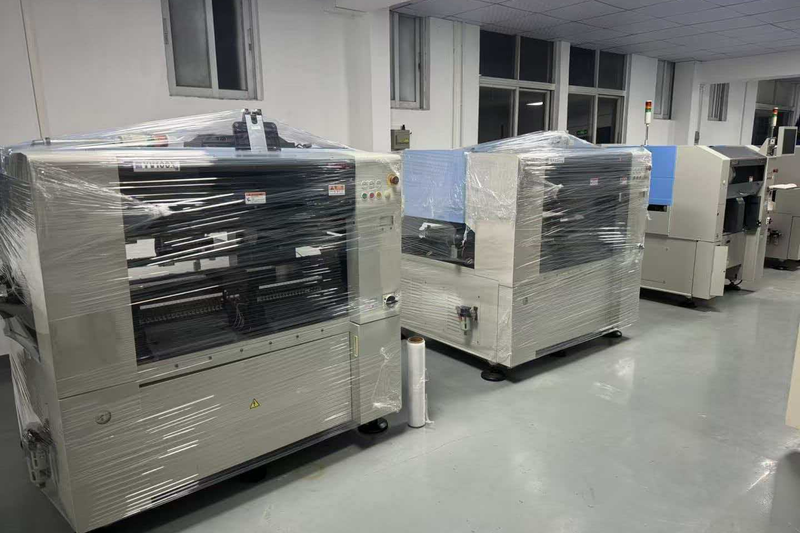
Share target assembly, process requirements, 2024 brochure board envelope, installed configuration and destination and inspection expectations. LCSMT can review whether an actual Ersa VERSAPRINT 2 Family configuration is a practical match.