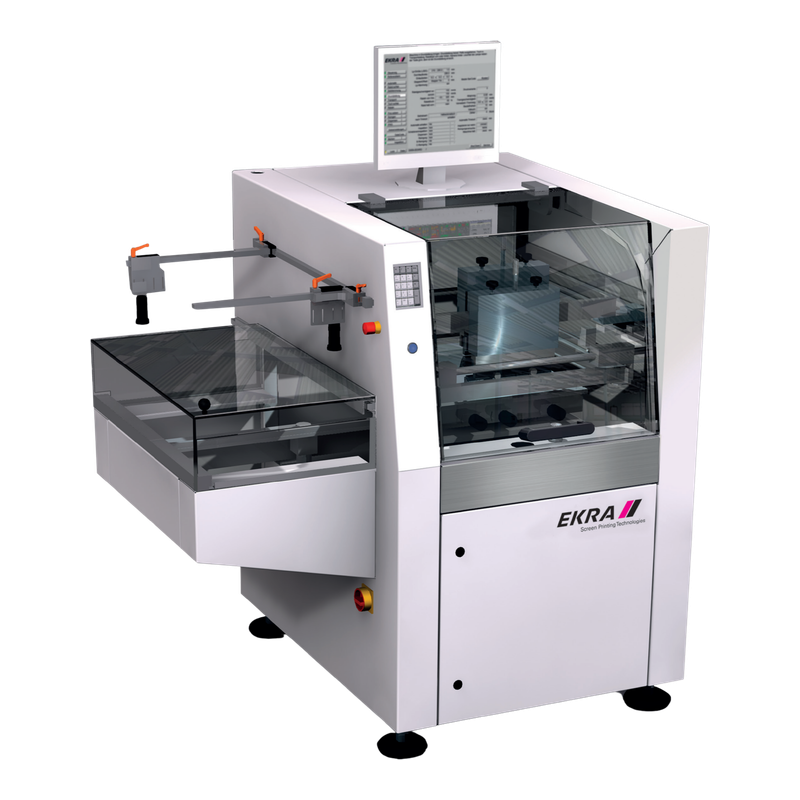
Ordinary chassis; reference illustration
E2
- 370 × 450 mm
- Frame
- Up to 620 × 740 mm
- Boundary
- Verify MOPS, fixtures and serial manual
SMT equipment sourcing · inspection · packing · global delivery
EKRA E2 and E2 XL are semi-automatic screen and stencil printers for prototyping and smaller production batches. This family guide compares their print format and frame capacity without presenting the ordinary E2 reference illustration as an E2 XL photograph. Consider E2 for supervised, flexible batch printing rather than assuming automatic inline transport. Select E2 XL when its documented substrate and frame envelope is needed; the same model guide keeps the two versions comparable.
Support and align the substrate beneath its screen or stencil, apply the selected squeegee stroke and separate the printed substrate. Optional MOPS assists manual optical positioning; verify tooling, operator repeatability and the deposited material on the intended substrate. Select by the actual board envelope, optical configuration and installation space—not the suffix alone.
Ordinary chassis; reference illustration
Larger print-format version
Manufacturer evidence checked 2026-10-07; numbers remain version-specific. Figures describe standard model configurations, not stock or an offered unit. Dimensions are listed in the source order and exclude the tower light where stated. The representative E2 Family image is not proof of another version or an offered unit’s condition. Request nameplate, configuration and board-trial evidence before selection.
| Brochure maximum print format | E2: 370 × 450 mm; E2 XL: 550 × 610 mm |
|---|---|
| Brochure frame capacity | Minimum 300 × 300 mm; maximum E2 620 × 740 mm / E2 XL 740 × 920 mm |
| Brochure alignment reference | ±10 micrometres; not a guaranteed paste-deposit tolerance |
| Brochure print controls | 10–170 mm/s squeegee speed; 10–250 N force |
| Brochure cabinet and mass | E2: 1,450 × 1,150 × 1,400 mm, approximately 550 kg; XL: 1,700 × 1,300 × 1,400 mm, approximately 650 kg |
| Brochure utility reference | 230 V AC, 50/60 Hz, 1L+N+PE; 1.2 kW, 16 A; air 6–10 bar, 1.5 Nl/min |
| Substrate-thickness boundary | Formal brochure table states 0.8–6.0 mm; introductory 30 mm claim needs serial-specific tooling/manual confirmation |
The offer must identify E2/E2 XL nameplate, print table, holder, substrate fixtures, optional MOPS, guard/interlock arrangement, controller and software; Supported-substrate alignment, paste or adhesive deposits, operator repeatability, stroke/separation settings, changeover and authorized program recovery.
EKRA E2 Family selection should begin with production requirements and evidence, not with a model name alone.
For an E2 family enquiry, send the substrate outline, underside geometry, screen or stencil frame and required printed pattern together. Confirm that the offered holder accepts the frame without an undocumented adapter and that the flat table can support the assembly throughout the stroke. The larger E2 XL print format does not make an ordinary E2 a larger-board machine. Run a representative paste or adhesive print and retain measured deposits with the material, stencil, support and settings used. Cabinet dimensions alone cannot establish compatibility with your process.
MOPS is an optional manual optical positioning system in the manufacturer brochure. Ask for the actual cameras, display and positioning controls to be demonstrated instead of assigning the inline EVA system from another EKRA printer. Retain repeated alignment and print measurements with the responsible operator and approved acceptance limits. The ±10 micrometre catalogue figure is an alignment reference, not a promise of paste volume, aperture transfer or complete-board yield. A screen image or reference rendering does not prove that MOPS, clamping hardware or software rights are included.
The manufacturer introduction describes substrates up to 30 mm, whereas its E2/E2 XL technical table specifies 0.8–6.0 mm. This guide preserves that boundary rather than silently combining the claims. Require the offered serial manual, fixture drawing, travel and safely demonstrated clearance before accepting thicker work. Match the permitted print/flood mode, squeegee force and separation settings to the material supplier process. Do not treat a successful dry motion or a different fixture in a brochure photograph as an acceptance test for a populated production assembly.
Request the offered E2 or E2 XL serial, controller release, authorized programs, guards and safe interlock test. Demonstrate setup recall, material loading, a representative print and recovery after an approved interruption. Include manual handling and inspection in the measured cycle instead of quoting an automatic inline throughput. Current ASYS China sales and an independent Guangdong Xinling exact E2 catalogue provide enquiry routes only; neither was contacted. The dealer roller-printing and conflicting specification text is not adopted. Stock, condition, fitted options and installation support still require dated unit-specific evidence.
EKRA E2 Family should be evaluated against the buyer’s support and align the substrate beneath its screen or stencil, apply the selected squeegee stroke and separate the printed substrate. optional mops assists manual optical positioning; verify tooling, operator repeatability and the deposited material on the intended substrate. The final application fit depends on the evidence for the specific unit.
These questions keep the quotation scope connected to the buyer’s real SMT process.
EKRA E2 Family buyers should confirm this with actual-machine evidence before quotation.
EKRA E2 Family buyers should confirm this with actual-machine evidence before quotation.
EKRA E2 Family buyers should confirm this with actual-machine evidence before quotation.
Before shipment, review the relevant power-on, movement, operating state and visible condition for the specific offered unit.
Request a dated operating sequence of the offered EKRA E2 Family. The model-image control requests evidence, not playback of a recorded video.
Request a unit-specific EKRA E2 Family list for serial-correct squeegees, screen/stencil fixtures, substrate adapters, clamping parts, positioning references and authorized controller backups. Availability is not claimed on this review page.
Provide target assembly, process requirements, brochure maximum print format, installed configuration and destination, required accessories and desired inspection evidence for the proposed EKRA E2 Family.
Common questions for overseas buyers evaluating a EKRA E2 Family.
Support and align the substrate beneath its screen or stencil, apply the selected squeegee stroke and separate the printed substrate. Optional MOPS assists manual optical positioning; verify tooling, operator repeatability and the deposited material on the intended substrate. Consider E2 for supervised, flexible batch printing rather than assuming automatic inline transport. Select E2 XL when its documented substrate and frame envelope is needed; the same model guide keeps the two versions comparable.
E2/E2 XL nameplate, print table, holder, substrate fixtures, optional MOPS, guard/interlock arrangement, controller and software. Request the exact nameplate and option list.
The EKRA E2 Family illustration is model-reference imagery, not a dated stock photograph. Serial, location, condition, price and running evidence require separate confirmation.
The V3 scrolling proof gallery is retained. It describes LCSMT export preparation, not the condition of a particular EKRA E2 Family unit.
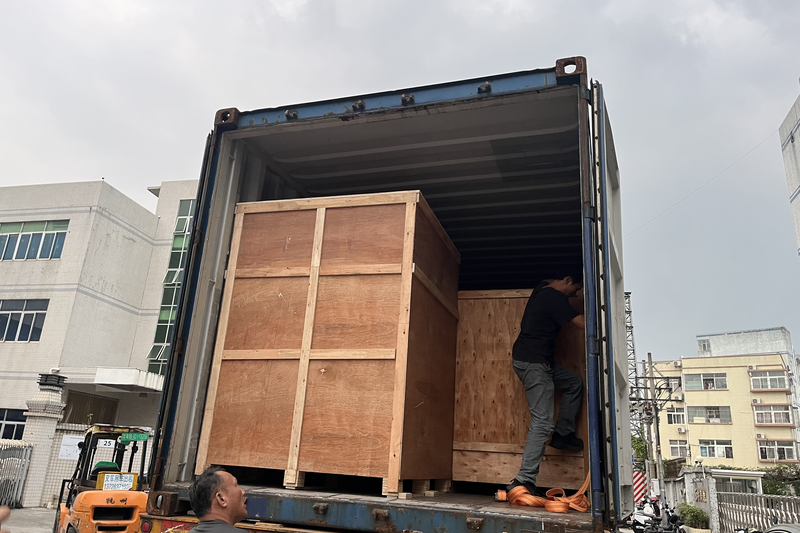
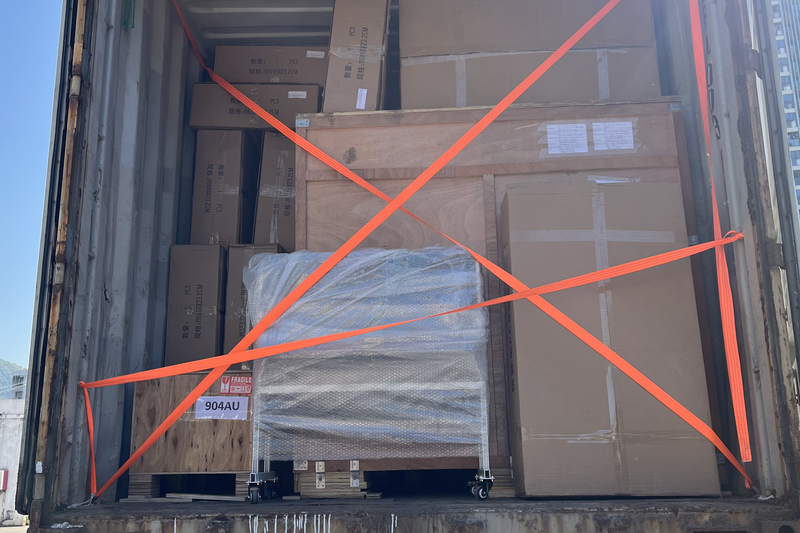
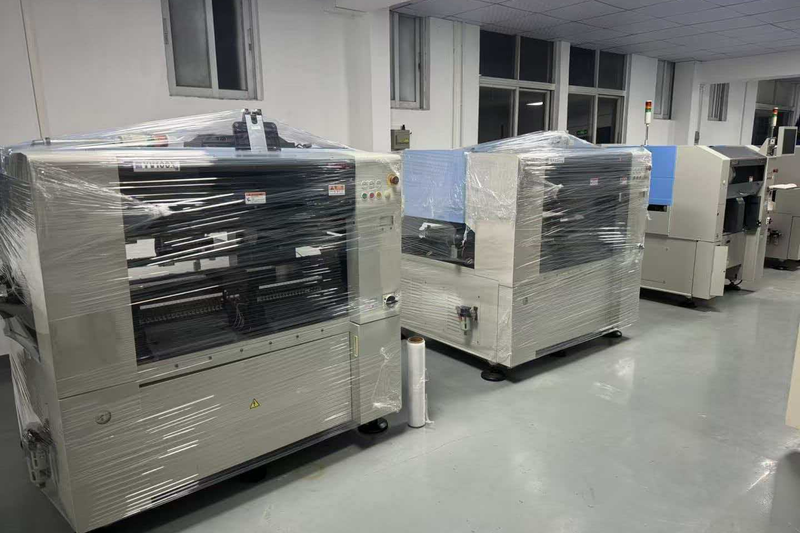
Share target assembly, process requirements, brochure maximum print format, installed configuration and destination and inspection expectations. LCSMT can review whether an actual EKRA E2 Family configuration is a practical match.